![Steam Deck Emulation Guide [EmuDeck 2025]](https://thriftoffers.com/wp-content/uploads/2026/09/steam-deck-emulation-guide-emudeck-2025-1-1024x576.jpg)
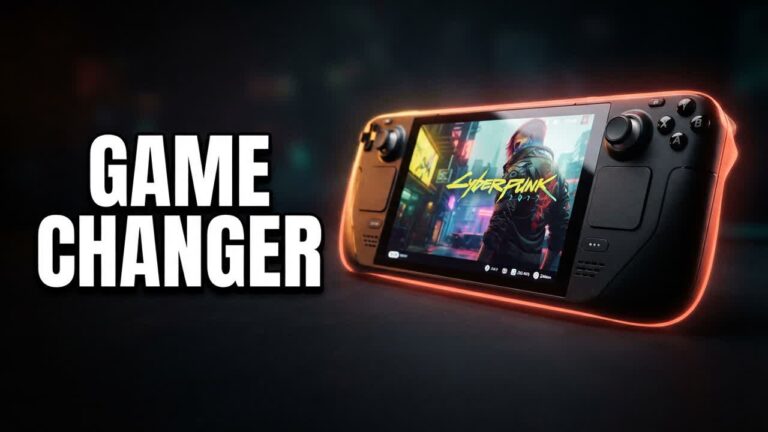
If you want to stretch your gaming budget as far as possible, picking up a refurbished or entry-level Steam Deck paired with EmuDeck delivers more retro power per dollar than almost any dedicated retro handheld on the market. EmuDeck automates what used to be a tedious, highly technical installation process, turning the Deck into an all-in-one retro powerhouse capable of running everything from classic 8-bit titles to demanding sixth- and seventh-generation console games.
Rather than manually downloading, mapping, and configuring dozens of standalone emulators, this streamlined tool configures aspect ratios, hotkeys, and performance profiles automatically. Best of all, it allows you to integrate your classic collection directly into your native SteamOS interface, complete with scraped box art and custom controller layouts.
- Automated Suite Installation: Downloads, configures, and optimizes dozens of emulators covering systems from the NES and Game Boy up through the PS2, GameCube, and PS3 with a few simple clicks.
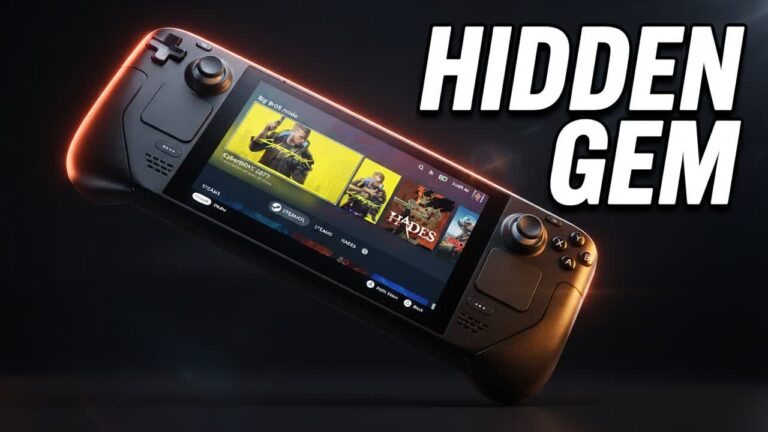
- Seamless SteamOS Integration: Built-in ROM management tools parse your game library directly into the main Steam Deck carousel, letting you launch retro titles just like standard PC games.
- MicroSD Card Friendly: Keeps your internal storage free for modern PC titles by configuring your emulation directory, BIOS files, and ROMs onto an inexpensive microSD card.
- Refined 2025 Configuration: Features updated backend scripts and pre-tuned performance presets tailored specifically for both the LCD and OLED Steam Deck hardware.
Bottom line: Anyone looking to replace a shelf full of dedicated retro handhelds with a single, versatile device should treat a discounted Steam Deck running EmuDeck as the gold standard for high-value portable emulation.