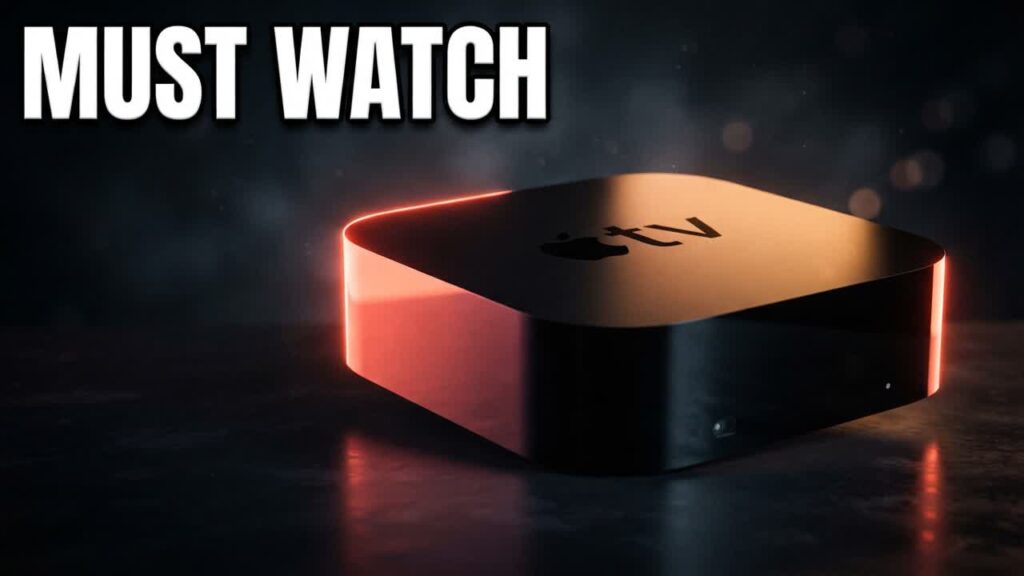
If you already own an Apple TV 4K—or you are shopping for a living-room media hub—you probably don’t need to spend extra cash on a dedicated retro mini PC. With RetroArch officially supported on tvOS, Apple’s compact streaming box easily doubles as a powerful, whisper-quiet retro gaming console that blends seamlessly into any entertainment setup.
Powered by Apple’s capable A-series processors, the Apple TV 4K delivers far more raw computing power than standard budget Android TV sticks. It handles 8-bit and 16-bit pixel art favorites effortlessly, while flexing enough muscle to push 3D classics from the PS1, Nintendo 64, and PSP at upscale resolutions. Best of all, it works natively with Bluetooth controllers you likely already have around the house, including Xbox, PlayStation, Switch Pro, and 8BitDo gamepads.
- Effortless App Store Installation: RetroArch is available directly via the official tvOS App Store, removing the need for complex sideloading tools, developer accounts, or jailbreaking.
- Cross-Platform Cloud Saves: You can configure your game libraries and save files to sync automatically across tvOS, iOS, iPadOS, and macOS, letting you pick up living-room games on your mobile device.
- Broad System Compatibility: The device smoothly emulates everything from classic arcade cabinets to fifth-generation consoles with robust shader support and fast load times.
- Plug-and-Play Controller Pairing: Low-latency Bluetooth support means you can immediately sync modern wireless controllers without buying proprietary accessories.
Bottom line: If you want a clutter-free, low-cost way to play classic games on the big screen without purchasing a standalone emulation box, turning an Apple TV 4K into a retro powerhouse offers unbeatable value for Apple users.