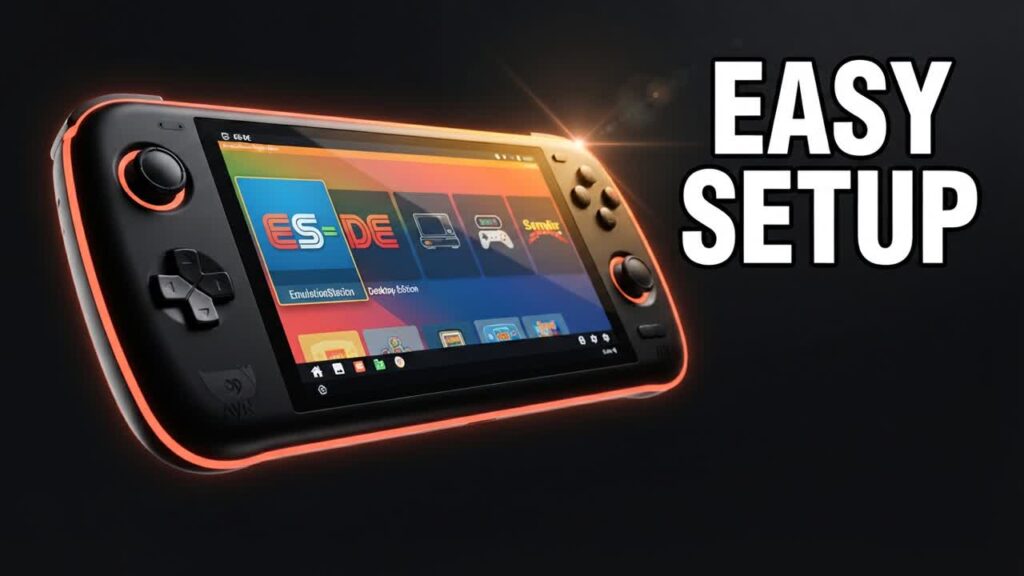
Repurposing an affordable Android phone, a budget tablet, or an entry-level handheld like an Anbernic or Retroid Pocket is the ultimate cost-saving route to portable retro gaming. However, Android’s stock touchscreen interface often ruins the console-like immersion. The latest update to EmulationStation Desktop Edition (ES-DE) for Android bridges that gap, giving budget hardware the refined, seamless front-end experience of a high-end dedicated gaming handheld.
The standout feature in this major release is a native Android app importer, eliminating one of the biggest headaches on Android-based gaming rigs. Instead of endlessly tweaking configuration files or jumping between a retro launcher and the standard home screen, you can now seamlessly integrate Android games, cloud streaming apps like Xbox Game Pass, and standalone emulators straight into your ES-DE game carousel.
- Automatic App Importer: Easily index native Android games, remote play utilities, and standalone emulators right alongside your retro ROM collections with minimal setup.
- Better Performance on Modest Hardware: Optimized memory usage and smoother UI transitions ensure that budget chipsets can handle demanding themes without sluggishness.
- Streamlined Media Scraping: Enhanced scrapers make downloading box art, descriptions, and video previews faster and more accurate, even on devices with limited storage.
- Simplified Path Setup: Cleaner directory management reduces initial configuration friction, making it far easier to link games stored on external microSD cards.
Bottom line: Anyone using a sub-$200 Android handheld or turning an old smartphone into a dedicated budget emulation machine should install this update to get an effortless, premium console feel without spending extra cash.