
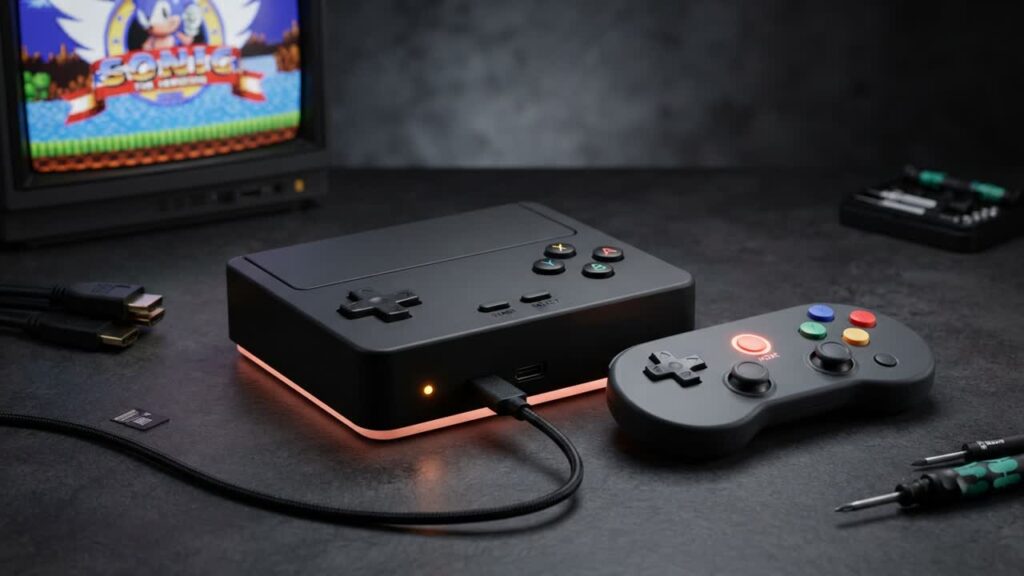
Modern retro handhelds are everywhere, but building a dedicated, controller-friendly gaming console for your living room TV often yields far better performance per dollar. Instead of overpaying for locked-down mini consoles or struggling with complicated home theater PC setups, you can turn a sub-$200 mini PC into an emulation powerhouse using Batocera.
By repurposing an affordable office desktop or picking up an entry-level mini PC, you get hardware that vastly outclasses cheap Android TV boxes and budget plug-and-plays. Batocera transforms the system by running directly from a drive, bypassing the clutter of Windows entirely to deliver an instant, console-like interface designed specifically for gamepads and big screens.
- Affordable hardware targets: Refurbished business micro desktops (like Dell OptiPlex or HP ProDesk) or modern budget mini PCs packing AMD Ryzen or Intel N-series chips deliver ideal performance well under the $200 mark.
- Streamlined OS experience: Batocera provides an all-in-one emulation operating system that boots straight into a slick, controller-driven front-end without the bloat, driver headaches, or mouse-driven friction of a standard desktop OS.
- High emulation ceiling: A modest $200 machine reliably handles classic systems up through PlayStation 2, Nintendo GameCube, Wii, and Sega Dreamcast, often with enhanced internal rendering resolutions.
- Flexible, cheap expansion: Game libraries and BIOS files can run off cheap internal NVMe/SATA drives, external hard drives, or even high-speed USB flash drives, making storage upgrades painless as your collection grows.
Bottom line: Gamers looking for an affordable, family-friendly living room setup should skip overpriced retro re-releases and invest in an upgradeable, multi-generational mini PC console that delivers immense value for $200.