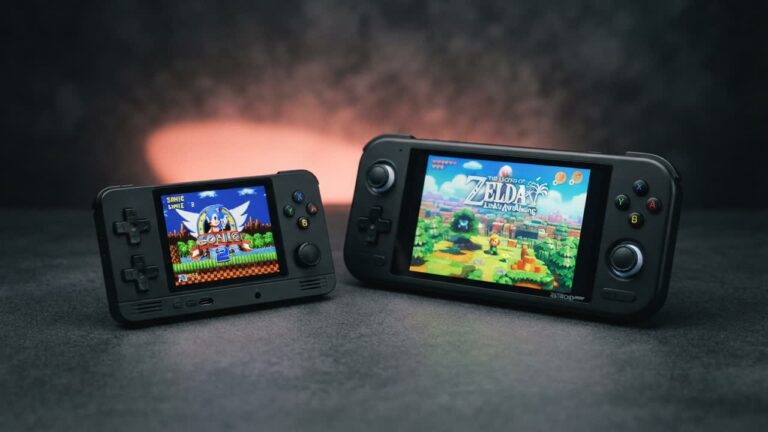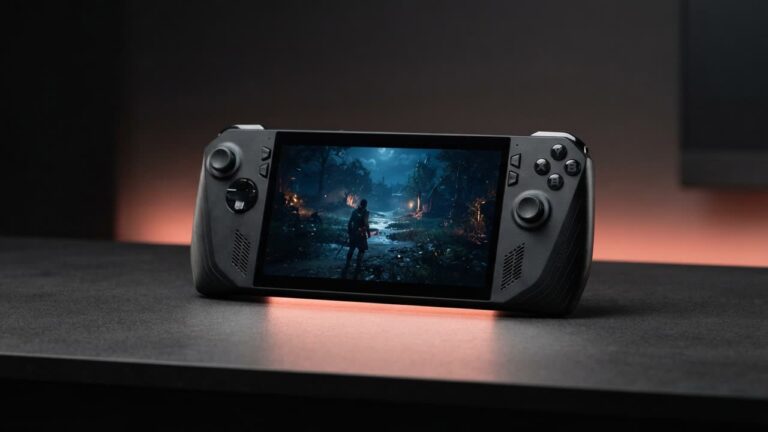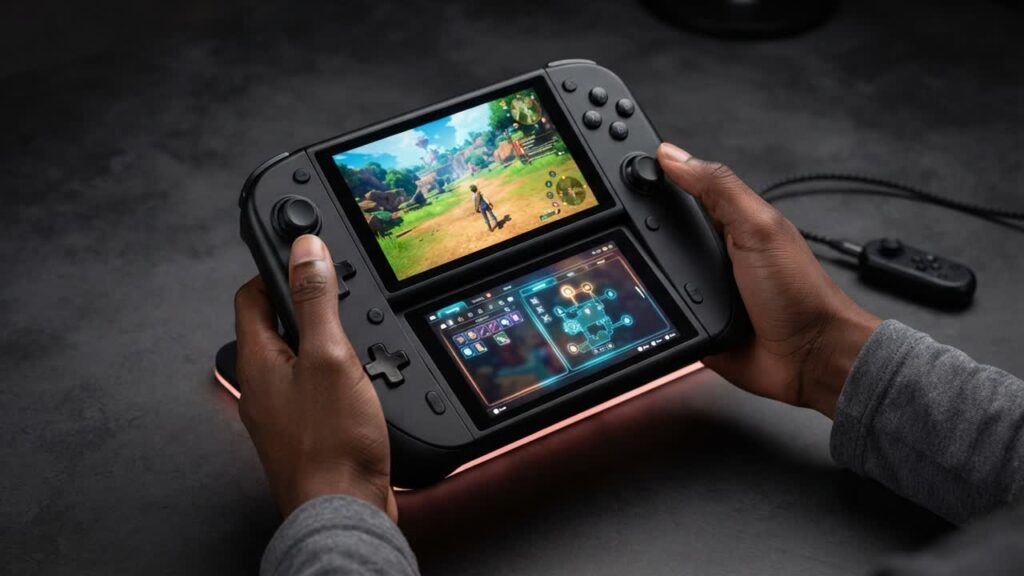
Dual-screen handhelds are hitting the market in force, promising to resurrect the golden era of Nintendo DS and 3DS emulation on modern devices like the AYN Thor and AYANEO Pocket DS. Before spending your hard-earned cash on these specialized portables, knowing how to properly configure dual displays is the difference between a seamless retro setup and an expensive, frustrating gadget.
Unlike standard single-screen portables, dual-display machines require specific optimization across operating systems, front-ends, and emulators to make secondary panels and touch digitizers behave correctly. With the right setup, these devices transcend their niche design to become the definitive way to play split-screen classics and manage multitasking on the go.
- Dedicated Display Routing: Configuring standalone emulators like DraStic, MelonDS, and Citra to automatically route top and bottom screens to physical panels eliminates awkward vertical letterboxing.
- Touchscreen and Stylus Precision: Calibrating the lower display ensures accurate touch controls and stylus responsiveness for input-heavy DS and 3DS titles.
- Front-End Optimization: Selecting launchers built to handle secondary monitors prevents display mirroring bugs, blank panels, and navigation headaches.
- Battery and TDP Management: Driving two separate backlit displays drains power rapidly, making tailored power profiles and independent brightness controls essential for decent battery life.
Bottom line: Retro gaming enthusiasts looking for the definitive, authentic way to replay DS, 3DS, and split-screen libraries should keep dual-screen handhelds on their radar, provided they are ready to invest a few minutes into software configuration.