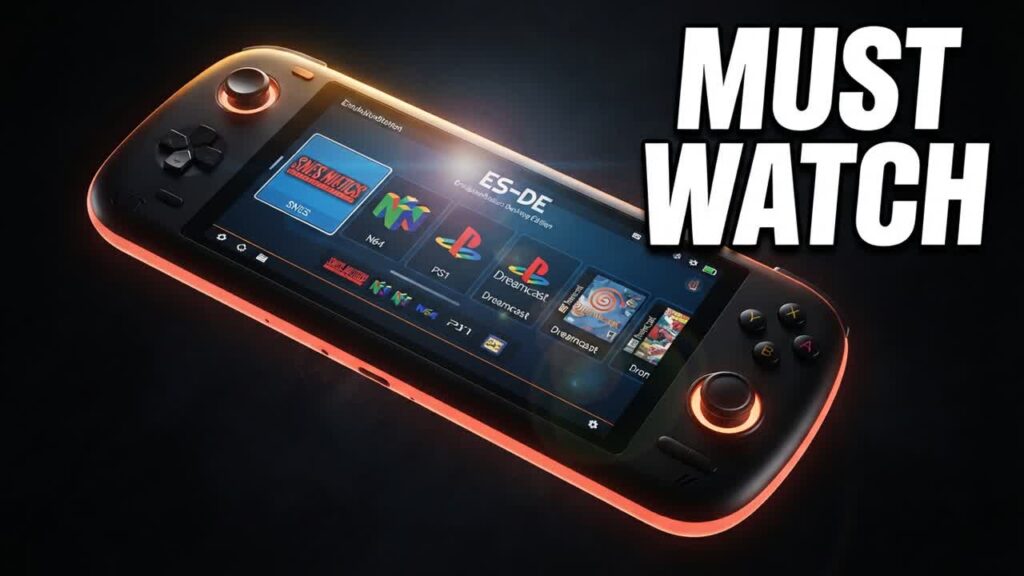
Turning a budget Android handheld or an old phone into a dedicated retro gaming machine often runs into the same frustrating hurdle: clunky Android touch menus and disorganized app drawers. EmulationStation Desktop Edition (ES-DE) solves that problem completely, delivering a sleek, console-grade interface to affordable Android devices like the Retroid Pocket, Anbernic devices, or spare tablets without requiring expensive hardware upgrades.
Instead of manually opening standalone emulators or settling for disjointed home screens, ES-DE acts as a centralized command center. It unifies your entire retro library across multiple platforms, launches standalone Android ports alongside vintage ROMs, and supports custom themes that give even low-cost handhelds the polished navigation feel of a modern console.
- Unified Game Library: Consolidates RetroArch cores, standalone emulators, and native Android games into a single, cohesive controller-friendly interface.
- Automated Media Scraping: Directly downloads box art, game summaries, and preview videos onto your device to build a professional-looking collection.
- Flexible Storage Support: Readily reads ROM directories from external MicroSD cards, making it ideal for devices with low internal storage capacity.
- Custom UI Themes: Offers lightweight and highly customizable visual themes tailored to run smoothly on lower-spec mobile chipsets.
Bottom line: Anyone looking to turn a budget-friendly Android handheld or repurposed smartphone into a true, distraction-free retro gaming console should make ES-DE their first download.