Juggling game libraries across Steam, Epic Games, GOG, and separate emulator folders is one of the biggest headaches of owning a Windows-based gaming handheld. Transforming that cluttered desktop interface into a unified, console-style dashboard makes picking up and playing significantly faster, letting you get the most out of your portable gaming hardware without extra hassle.
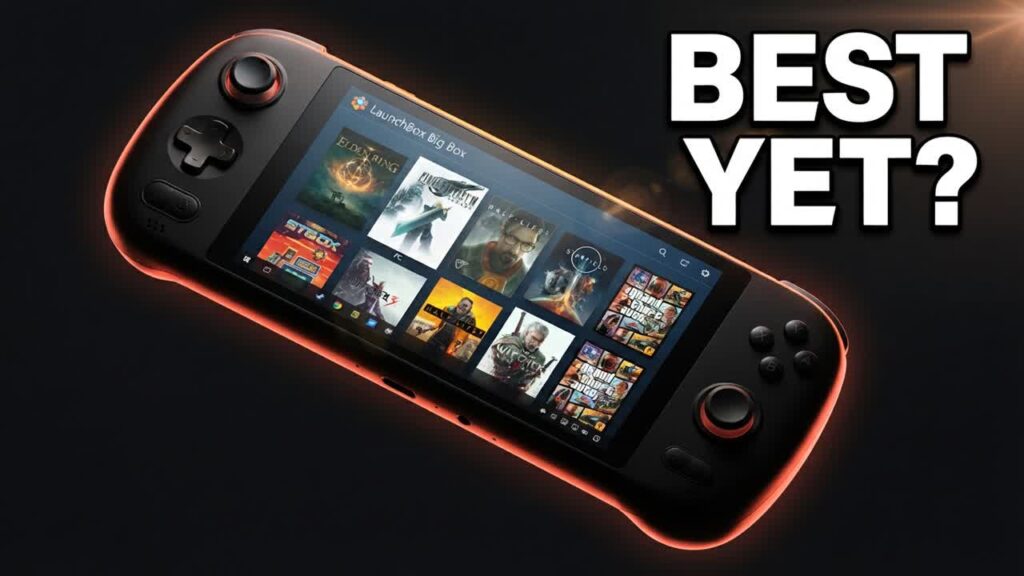
While LaunchBox built its reputation as an emulation powerhouse, recent updates turn it into a complete, all-in-one launcher for standard PC games as well. Tested on compact x86 hardware like the AyaNeo Air Plus, its controller-first “Big Box” mode delivers a smooth, TV-style interface tailored for handheld screens. It automatically handles the heavy lifting of downloading box art, game descriptions, and video snaps, elevating affordable and mid-range handhelds into polished, dedicated gaming devices.
- All-in-One Aggregation: Combines modern PC game installations and retro emulation collections into a single, cohesive launcher.
- Automated Media Scraping: Instantly pulls in official box art, metadata, and background video previews without tedious manual organizing.
- Handheld-Optimized Interface: The Big Box UI is designed specifically for navigation via D-pad and thumbsticks, eliminating the need for awkward desktop touch controls.
- Broad Hardware Compatibility: Runs natively on Windows x86 handhelds, laptops, and mini PCs with deep theme customization that won’t bog down system performance.
Bottom line: If you own a Windows gaming handheld or mini PC and want a polished, console-like game launcher that seamlessly blends PC titles with emulation, LaunchBox and Big Box are well worth integrating into your setup.