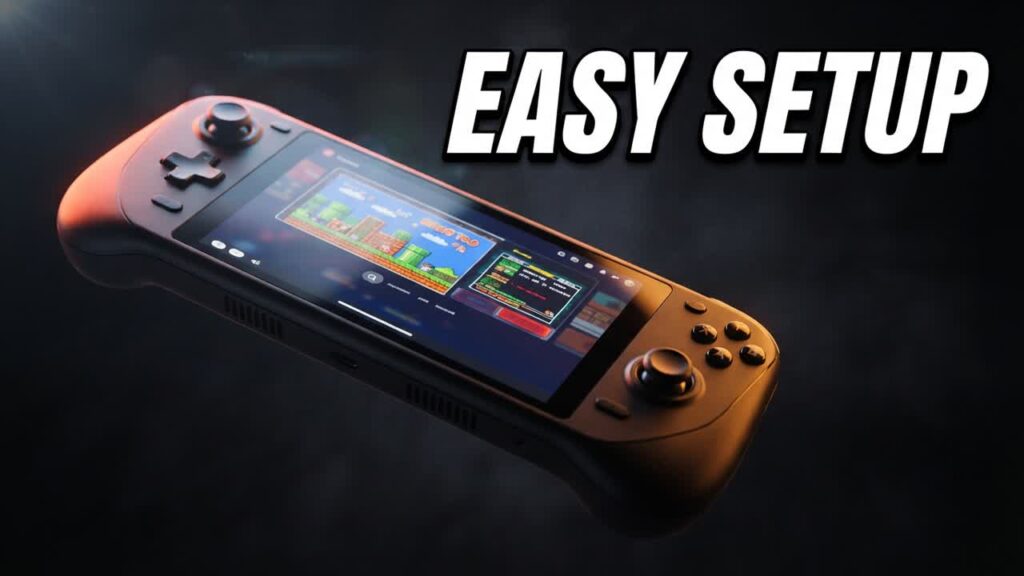
Dedicated Android handhelds—and even repurposed Android phones paired with budget controllers—deliver some of the best price-to-performance value in portable gaming right now. However, unlike a Nintendo Switch or dedicated Linux retro handheld, Android devices are not strictly plug-and-play. Understanding the initial configuration curve is crucial before you buy, ensuring you extract the best possible performance without overspending on excess hardware.
Whether you are eyeing a premium screen like the Odin 2 Portal, an entry-level Anbernic or Retroid device, or simply dusting off an old tablet, setting up the operating system correctly is what turns a fragmented mobile interface into a cohesive, console-grade experience.
- Universal workflow: The core configuration process—sourcing emulators, mapping controls, and managing storage—works identically across premium handhelds, budget devices, and standard Android phones.
- Dedicated frontends are essential: Installing clean launcher software like Daijishō or Beacon hides the cluttered Android UI and creates an organized, console-like game navigation menu.
- Standalone emulators beat all-in-ones: While RetroArch handles older 8-bit and 16-bit systems effectively, individual standalone emulators consistently deliver superior performance and lower latency for demanding platforms like PS2 and GameCube.
- Storage organization saves time: Properly structuring your microSD card directories and naming ROMs cleanly before scraping metadata prevents library errors and saves hours of manual troubleshooting.
Bottom line: Shoppers looking to maximize their portable gaming budget should strongly consider an Android device, as taking a small amount of time to set it up properly yields an elite retro machine at a fraction of the cost of a PC gaming handheld.