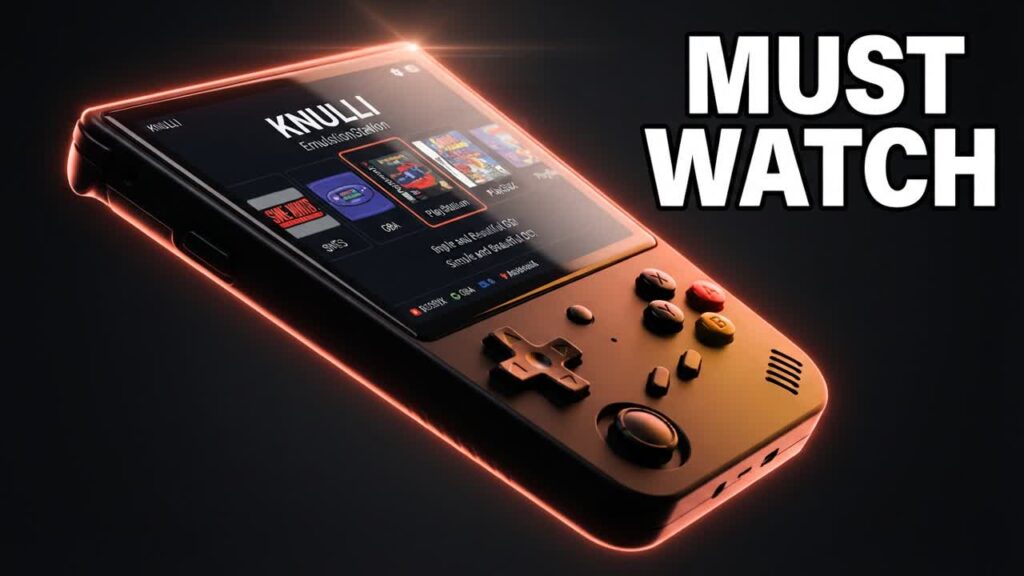
Budget retro handhelds like the Anbernic RG35XX lineup deliver incredible value for under $70, but their stock firmware often feels clunky and uninspired. Upgrading to a custom operating system is the most effective way to unlock your device’s full potential, and KNULLI has emerged as a top-tier contender. Forked from Batocera, this operating system transforms budget portable devices into sleek, console-like gaming powerhouses without costing you a dime.
Recent updates have tackled the biggest friction points of retro handheld ownership, introducing native exFAT support. This means you can plug your microSD card directly into a Windows or Mac computer to drag and drop your game library, completely bypassing the complex Linux-partition workarounds that usually plague custom firmware setups.
- Broad budget hardware compatibility: KNULLI currently runs across 11 different devices, covering the entire Anbernic RG*XX family, including the Plus, H, SP, and RG40XX models.
- Streamlined ROM management: Built-in exFAT filesystem support makes adding bios files, game libraries, and scraped artwork quick and painless on any operating system.
- Stunning visual customization: Access a massive repository of EmulationStation themes that give inexpensive handhelds the high-end interface typically reserved for premium gaming PCs.
- Convenient gameplay features: Modern additions like quick-resume functionality allow you to sleep and wake your system directly into your game, saving precious battery life on the go.
Bottom line: If you already own an Anbernic RG*XX device—or plan to pick one up during the next flash sale—installing KNULLI is the single best free upgrade you can make to elevate your handheld gaming experience.