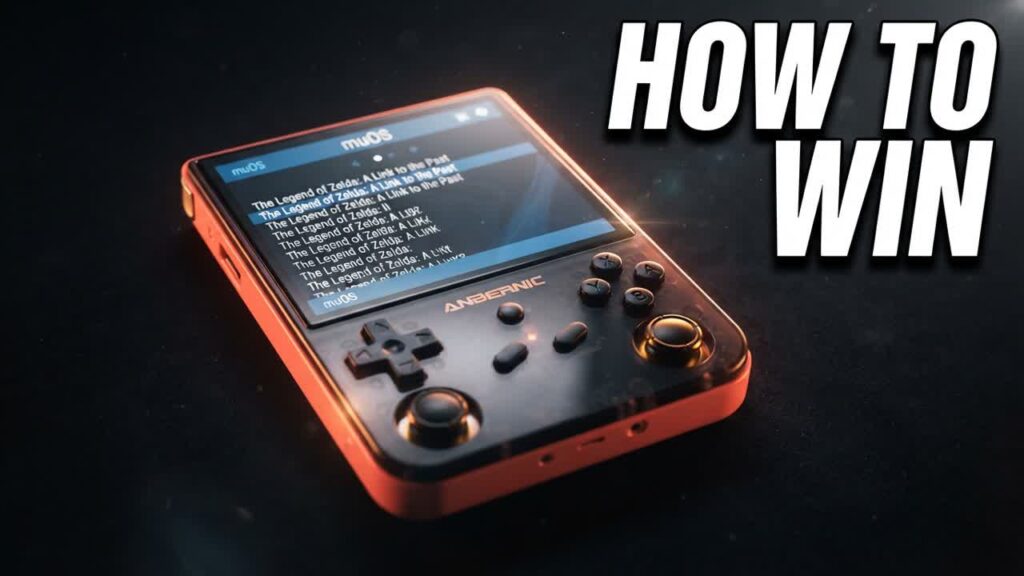
A budget retro handheld is only as good as the software driving it, and stock operating systems often drag down capable, sub-$60 hardware with sluggish menus and clunky interfaces. If you want to unlock the full potential of your device without spending extra money on hardware upgrades, muOS (MustardOS) delivers a lightweight, performance-first custom firmware that dramatically improves the everyday gaming experience.
Designed to strip away frontend bloat, muOS prioritizes near-instant boot times and direct access to your game library. Setup is remarkably simple—requiring little more than flashing an SD card and loading your ROMs into clean, organized folders. Despite its minimalist foundation, the system offers deep customization under the hood, allowing you to tailor themes, interface artwork, and core emulator settings to suit your exact playstyle.
- Streamlined Installation: Setup is quick and accessible, requiring minimal configuration to get up and running compared to heavier alternative operating systems.
- Ultra-Fast Boot Times: By eliminating unnecessary background bloat, the OS launches games faster and maximizes battery efficiency on modest hardware.
- Deep Visual Customization: Supports extensive community theming and layout tweaks, letting you build a clean, premium console-like frontend.
- Optimized for Budget Handhelds: Built specifically to squeeze reliable emulation performance out of popular, low-cost Linux gaming devices.
Bottom line: Anyone owning a compatible budget handheld should install muOS to turn an inexpensive piece of tech into a fast, polished, and distraction-free retro gaming machine.