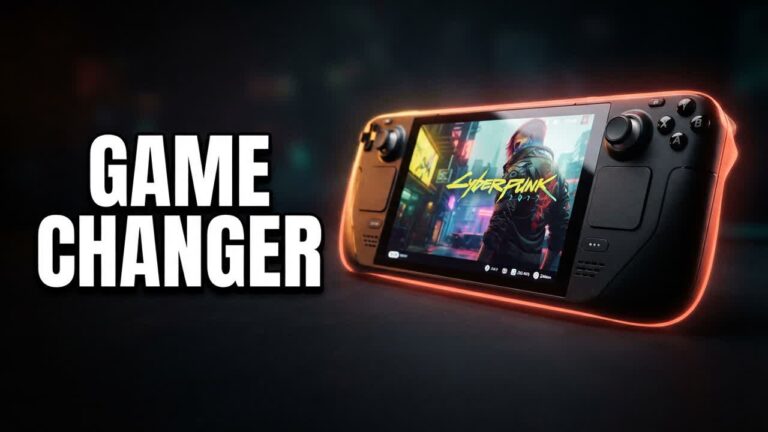
Windows-based handheld gaming PCs offer unmatched performance and game library compatibility, but navigating desktop Windows on a handheld remains clunky and battery-draining. Running the latest SteamOS 3.8 on the Lenovo Legion Go hardware bridges that gap, pairing large-format, high-refresh hardware with the seamless, console-like interface of the Steam Deck. For shoppers torn between Valve’s polished operating system and Lenovo’s superior screen and power, this setup delivers the best of both worlds.
SteamOS 3.8 brings deeper system-level optimizations that make full use of the hardware without background operating system bloat. Games boot quicker, frame pacing remains tighter, and the overall navigation experience feels completely native rather than shoehorned into a mobile form factor.
- Flawless Sleep and Resume: SteamOS brings dependable instant-suspend functionality to the platform, eliminating the unpredictable sleep states typical of Windows gaming handhelds.
- Reduced OS Overhead: Shedding background Windows processes frees up system memory and APU resources, translating to more consistent frame rates and lower idle power draw.
- Integrated Deck UI: Quick-access menus, on-the-fly TDP adjustments, and per-game performance profiles work directly through the Steam interface without needing clumsy secondary companion apps.
- Optimized Display Handling: The updated OS handles the native portrait display and refresh rate switching smoothly, making full use of the hardware’s crisp visuals.
Bottom line: If you want the expansive display and performance headroom of Lenovo’s handheld hardware without dealing with the daily friction of Windows 11, running SteamOS 3.8 turns the device into the high-powered, big-screen Steam Deck that Valve hasn’t built yet.