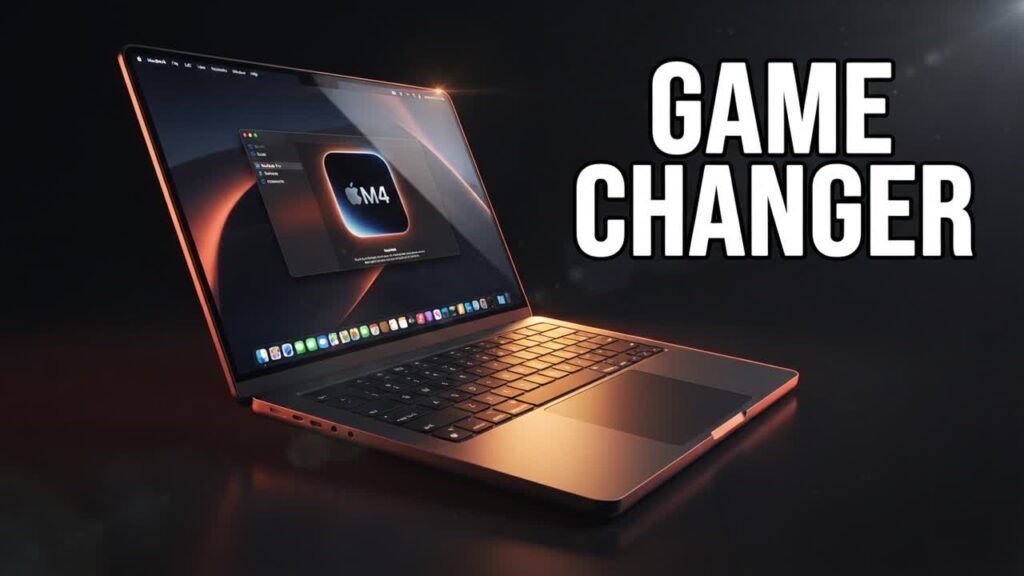
Apple’s latest silicon refresh pushes the MacBook Pro into uncharted performance territory, but when hardware reaches premium pricing, smart shoppers need to know whether the real-world gains actually justify the cost. While benchmark numbers dominate the conversation, functional refinements—namely a brand-new anti-glare display option and massive single-core efficiency—are what truly impact daily productivity.
The star hardware feature this generation is the optional nano-texture display, which diffuses direct light and reflections far better than standard glossy glass without heavily muting contrast or color accuracy. Under the hood, the M4 Max silicon delivers workstation-caliber power that easily tackles 8K video timelines, complex 3D renders, and heavy code compilation while sustaining incredible power efficiency off the charger.
- Game-changing nano-texture option: The matte-like display coating dramatically cuts down studio and office glare while preserving deep blacks and vibrant colors.
- Desktop-grade silicon: The M4 Max introduces significant single-core and multi-threaded speed boosts, rivaling power-hungry desktop GPUs in creative workloads.
- Unthrottled battery performance: Workflows run at full speed whether plugged into the wall or running untethered, maintaining Apple’s massive lead in mobile efficiency.
- Thunderbolt 5 integration: Faster bandwidth speeds future-proof external storage setups and high-resolution multi-monitor docking stations.
Bottom line: If you are upgrading from an Intel-based MacBook or a base M1-series machine, the M4 Max provides an undeniable boost in workflow speed, but existing M2 or M3 Pro/Max owners can safely hold off unless the nano-texture screen solves an immediate workspace headache.